
Position your iPhone
Follow the placement guide in the app. Rest the phone on a stable support with the front camera facing you and enough distance to see your face at the top and bottom of the push-up. Clear space around you before starting.
Set up your iPhone, calibrate the camera and play REP RUSH: lower to dodge a barrel, rise to collect coins, then see your run summary.
Follow the placement guide in the app. Rest the phone on a stable support with the front camera facing you and enough distance to see your face at the top and bottom of the push-up. Clear space around you before starting.
Show the app a comfortable high and low position. Calibration helps it recognise your movement range without screen taps during exercise. If tracking is lost, the game may pause; adjust the phone and calibrate again.
As the barrel approaches, lower so the hero passes beneath it. Rise to reach the coins. The counter advances after a full high, low, high cycle, not after lowering alone.
Once you reach your chosen target, the result shows your push-ups and in-game rewards. Explore the map or choose another 5, 8, 12 or 20 rep challenge. XP and coins describe game progress, not a health or fitness result.
Choose a rep target that suits you. REP RUSH estimates movement with a camera but does not assess complete push-up form. Stop the session if you feel pain or unwell.
Set down your phone, make room to move and follow the on-screen prompts.

Position your phone and check the camera framing.
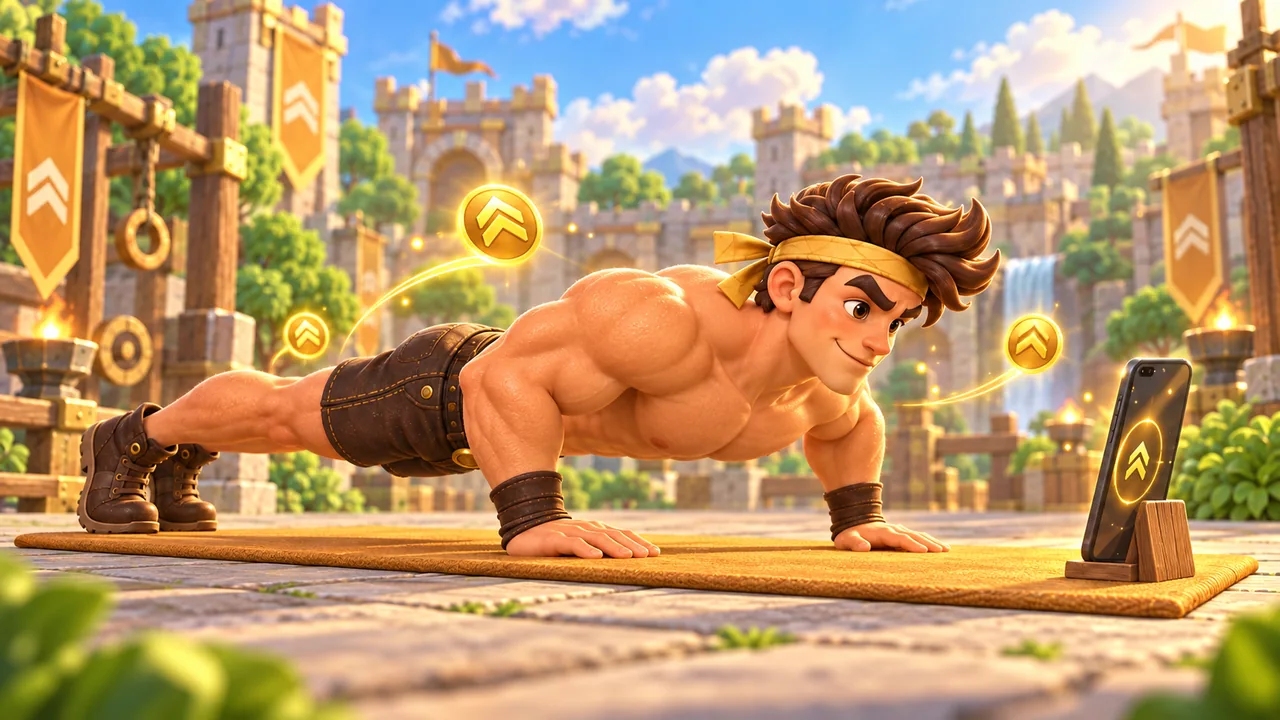
Lower and rise: the game responds to your movement.
One push-up explains the controls.
Your body is the controller in REP RUSH. Follow the steps from phone placement to the results screen, then play without touching your phone during a rep.